
01
Unlimited PDF export
Export polished PDFs as often as you need, without manual quotas or speed limits.
Funciones esenciales gratis, PDF gratuito sin límites manuales de cuota o velocidad, 4 modos de exportación y 6 formatos.
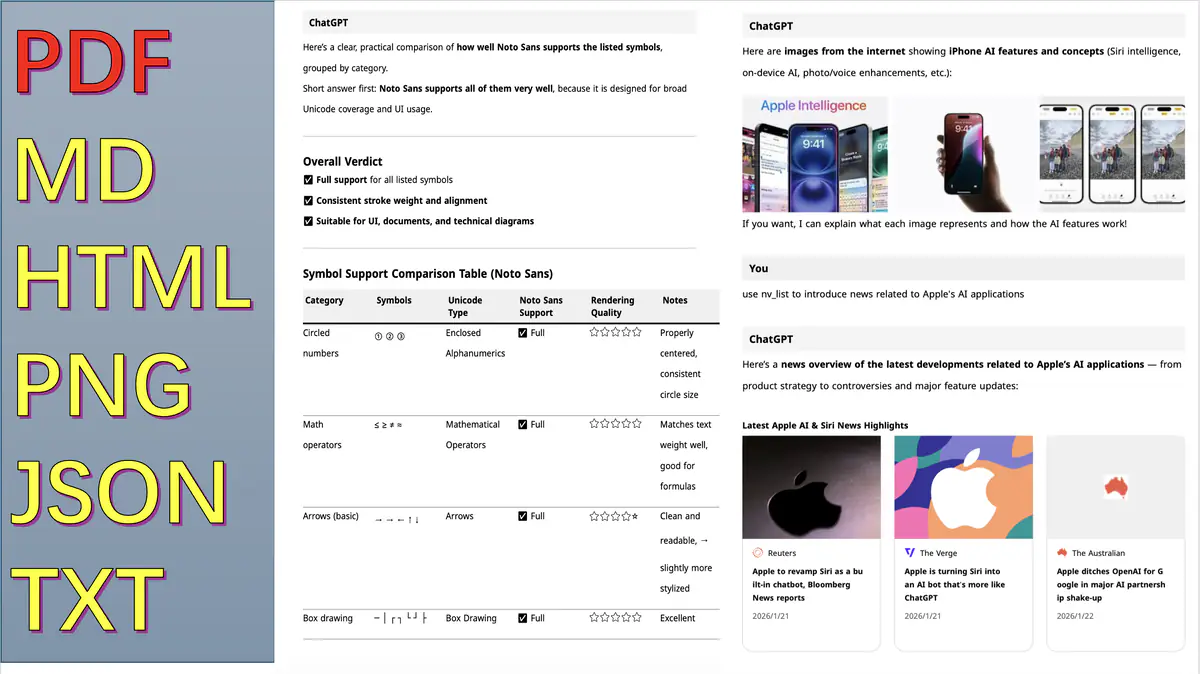
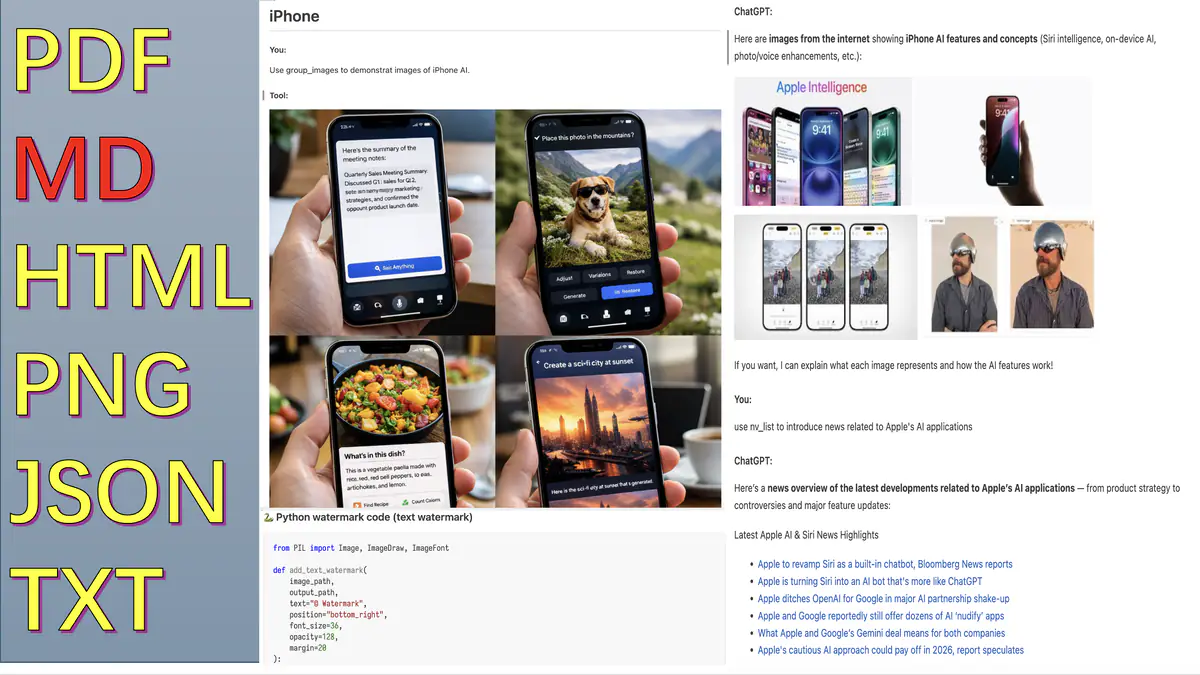
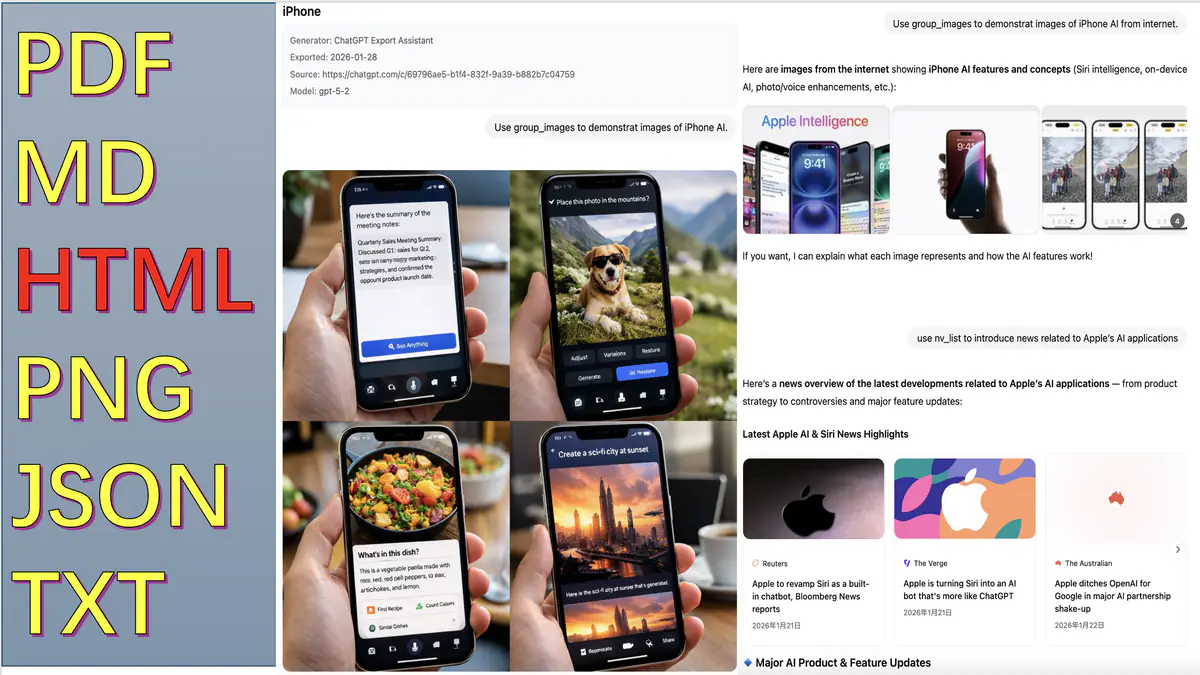

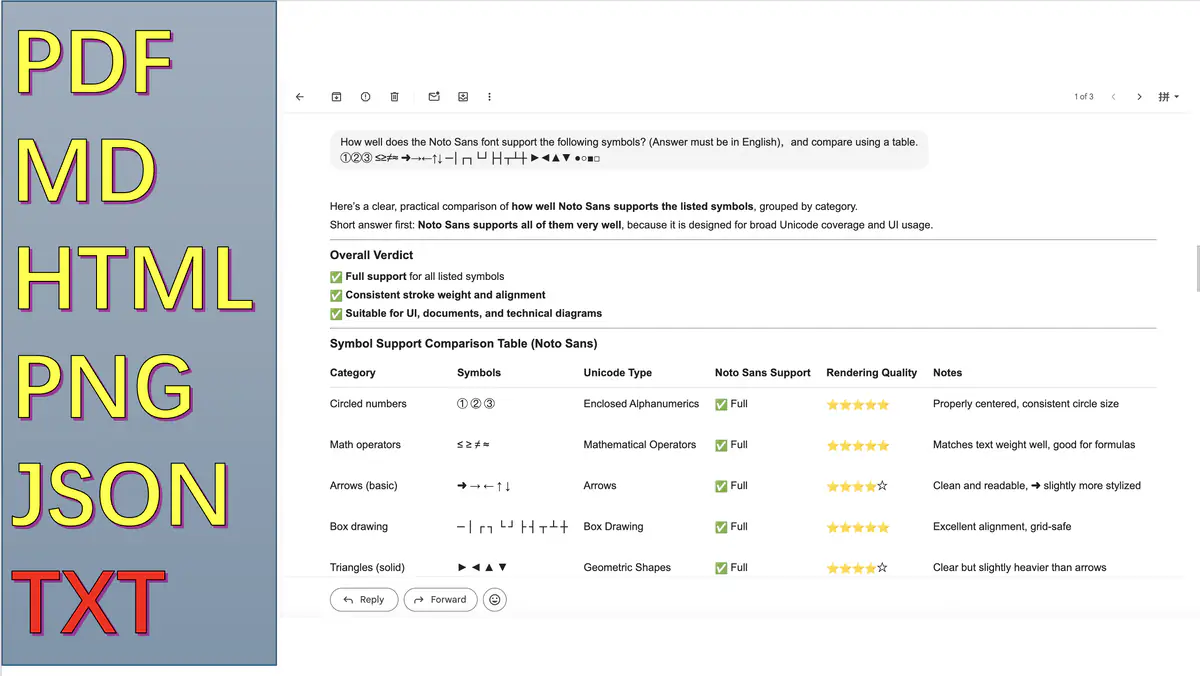
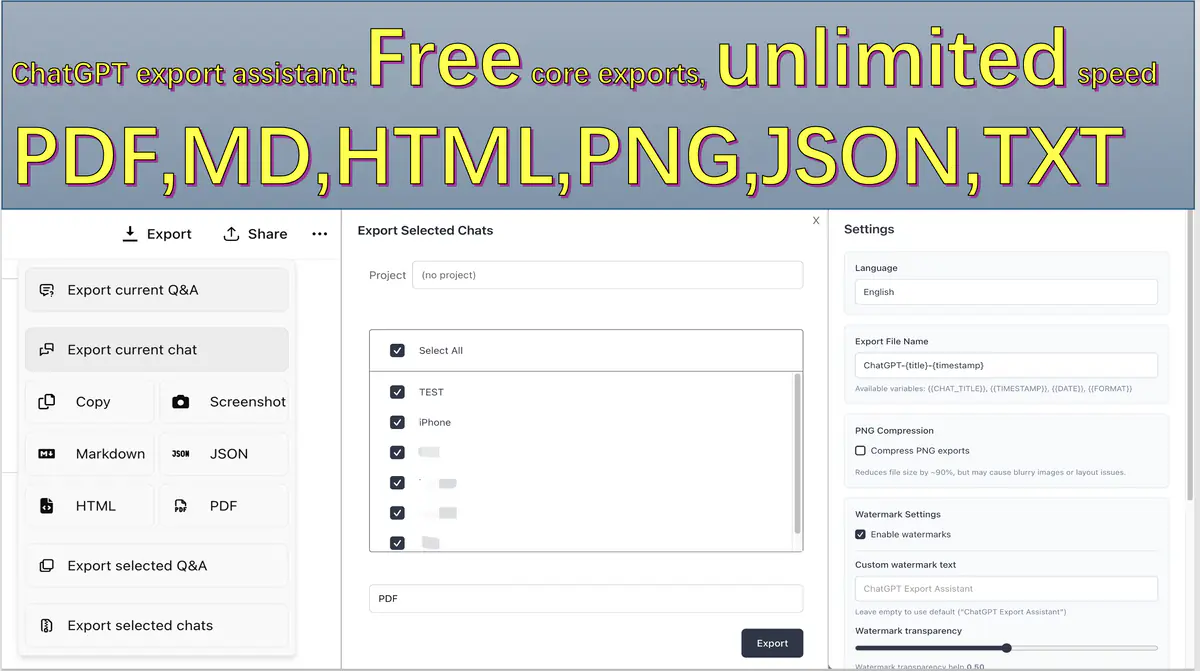
Generate polished PDFs without manual throttling, screenshot stitching, or cleanup before you send the file.
Export polished PDFs as often as you need, without manual quotas or speed limits.
Conversation rendering stays in the browser so export quality does not depend on a server-side pipeline.
Switch to HTML, Markdown, JSON, PNG, or TXT when the next tool in your workflow needs a different artifact.
Preview the output quality before export: readable layouts, stable structure, and assets you can hand off directly.
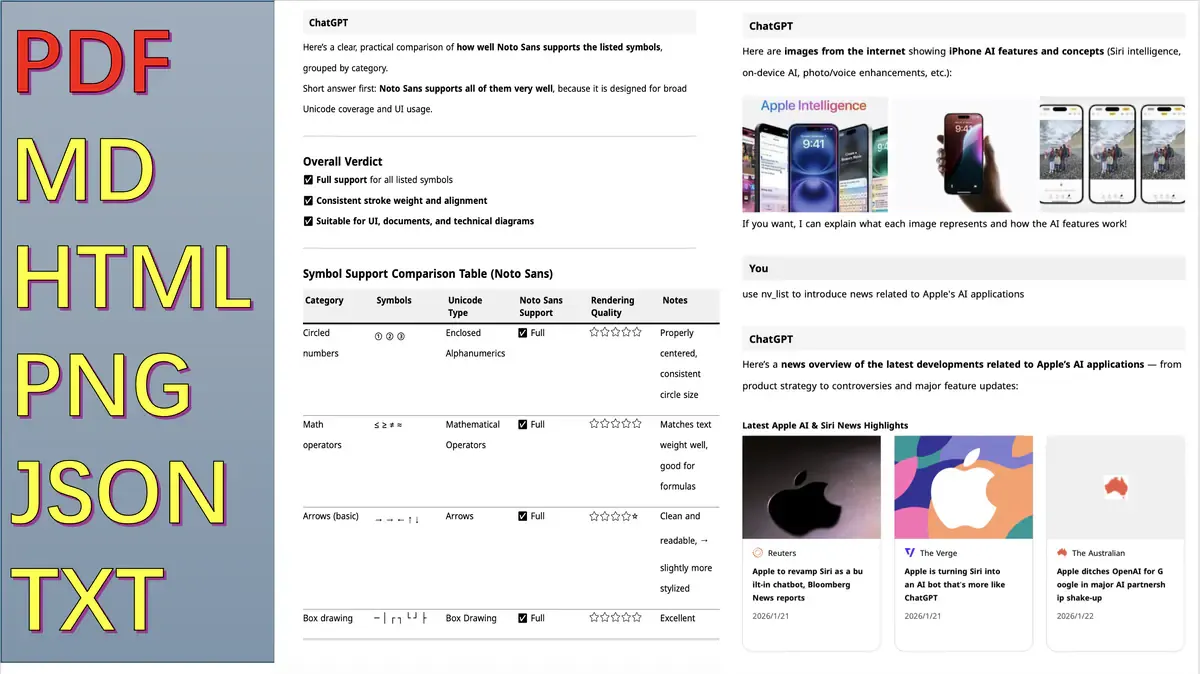
Pagination, spacing, and typography tuned for handoff and long-form archives.
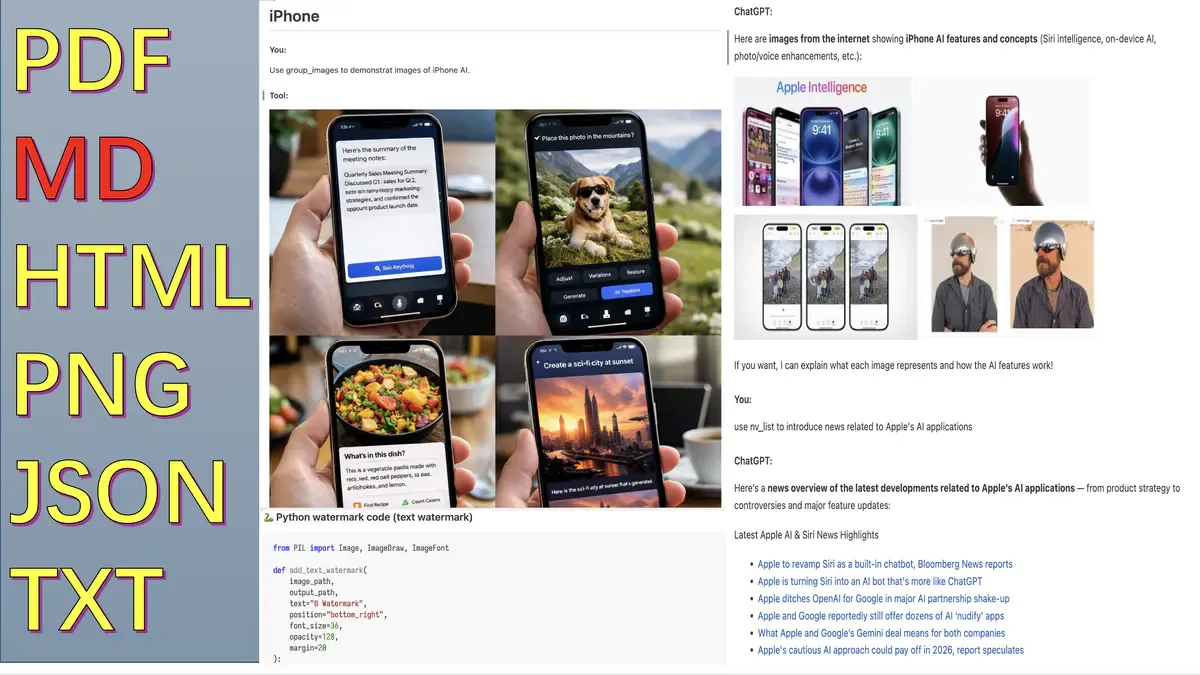
Headings, code blocks, and tables remain consistent for docs and CMS reuse.
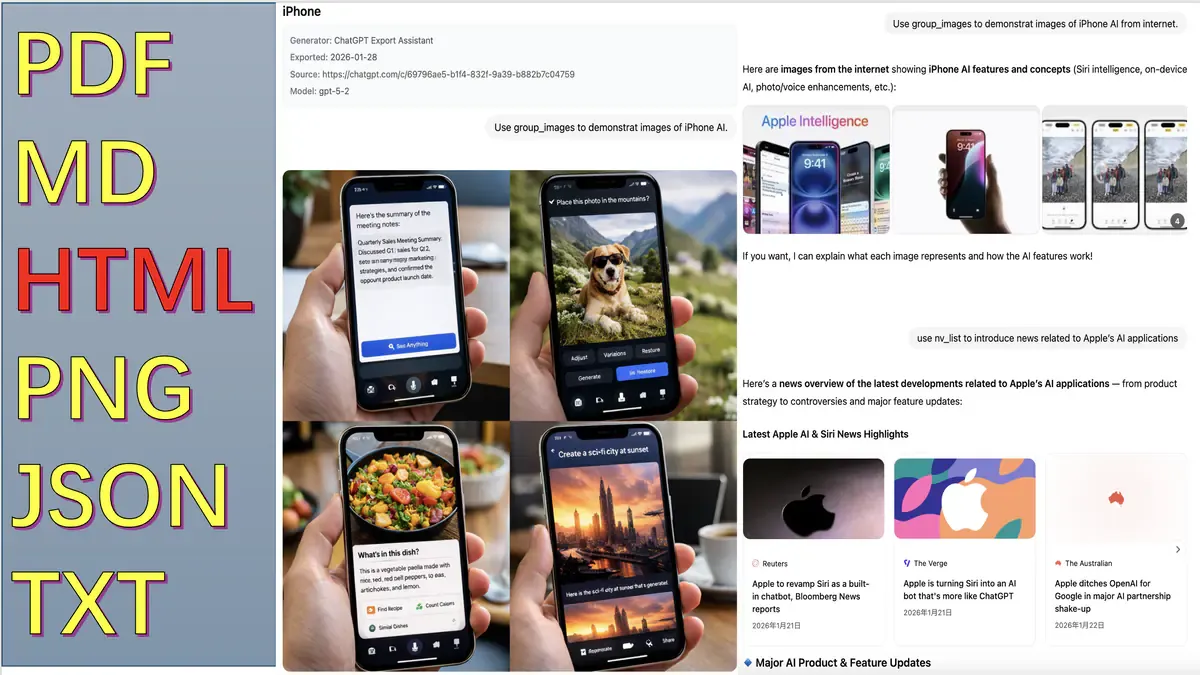
JSON/TXT outputs stay stable for scripting, analysis, and pipeline ingestion.
Choose the conversation, choose the scope, export the format your next tool actually needs.
Go to the ChatGPT thread you want to archive, share, or transform.
Current Q&A, selected Q&A, full chat, or batch export depending on delivery intent.
Generate PDF, HTML, Markdown, JSON, PNG, or TXT and ship it immediately.
La exportación base sigue gratis. Pro desbloquea funciones adicionales por $9.99 USD en un solo pago.
$0 USD
Funciones esenciales siempre disponibles
$9.99 USD
Pago único
Desbloquea el conjunto actual de funciones Pro.
Respuestas rápidas a preguntas comunes
Posibles causas y soluciones:
Suele deberse a fuentes faltantes. Haz lo siguiente:
Las conversaciones largas con muchas imágenes pueden ser lentas. Sugerencias:
Respuesta: No para el contenido de conversación exportado.
Compromiso de privacidad:
Permisos: tabs (abrir/verificar páginas), storage (guardar ajustes/sesión), identity (OAuth de Google), scripting (reinserción del content script y puente de fuentes locales)
Flujo recomendado:
Nota: exportar muchas conversaciones puede tardar varios minutos. El navegador puede pedir permiso para descargas múltiples.
Puedes reportar problemas desde la entrada Feedback de la extensión (requiere cuenta de GitHub), o dejar comentarios en la página de Chrome Web Store. El desarrollador responderá lo antes posible.